Running Emscripten apps in fullscreen
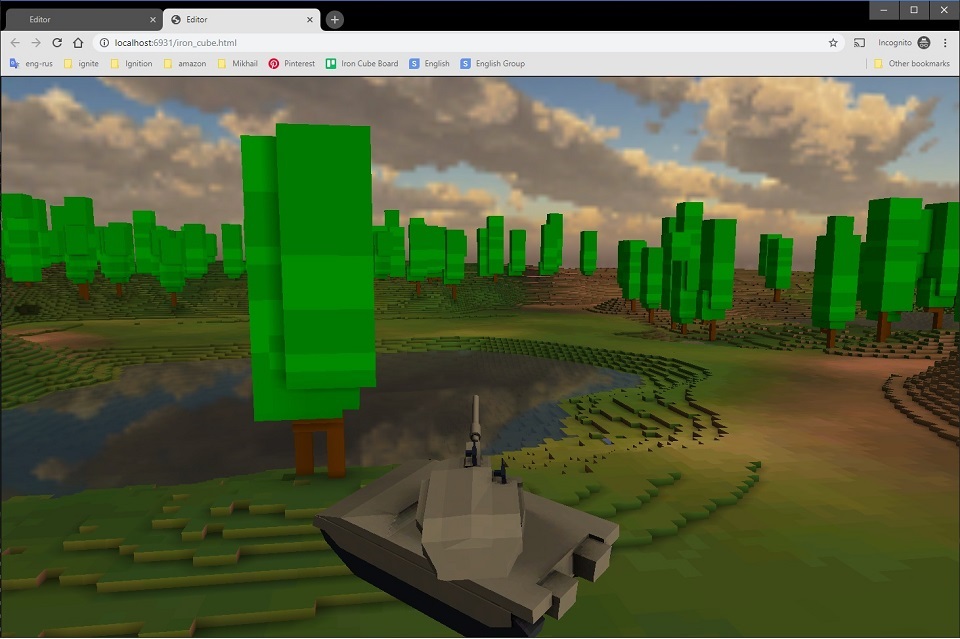
I spent an evening getting my Emscripten game demo to run in fullscreen. Emscripten has two modes for this: “proper” fullscreen and soft fullscreen. The first works like fullscreen in a native app, but it doesn’t seem to be supported in every browser. Soft fullscreen just resizes the app to fill the whole browser window, and that’s exactly what I needed.
It takes two steps, assuming you use SDL2 as your platform layer.
1. Switch to soft fullscreen after the SDL window is created.
	if (fullscreen){
		EmscriptenFullscreenStrategy strategy;
		strategy.scaleMode = EMSCRIPTEN_FULLSCREEN_CANVAS_SCALE_STDDEF;
		strategy.filteringMode = EMSCRIPTEN_FULLSCREEN_FILTERING_DEFAULT;
		strategy.canvasResizedCallback = emscripten_window_resized_callback;
		strategy.canvasResizedCallbackUserData = this;   // pointer to user data
		emscripten_enter_soft_fullscreen("canvas", &strategy);
	}
“canvas” is the name of the HTML element that holds the game’s main window. It’s the default name in Emscripten shells.
2. Write a callback that handles the window resize event.
EM_BOOL emscripten_window_resized_callback(int eventType, const void *reserved, void *userData){
	METHOD();

	double width, height;
	emscripten_get_element_css_size("canvas", &width, &height);

	int w = (int)width, h = (int)height;

	// resize SDL window
	Platform* platform = (Platform*)userData;
	SDL_SetWindowSize((SDL_Window*)platform->get_wnd_handle(), w, h);

	// engine-specific code - internal render size should be updated here
	event_t e(ET_WINDOW_SIZE, w, h, timer::current_time());
	LOGI("Window resized to %dx%d", w, h);
	platform->on_window_size_changed(w, h);
	return true;
}