Path tracing voxels, day 1
Actually day 2
Ray Tracing in One Weekend
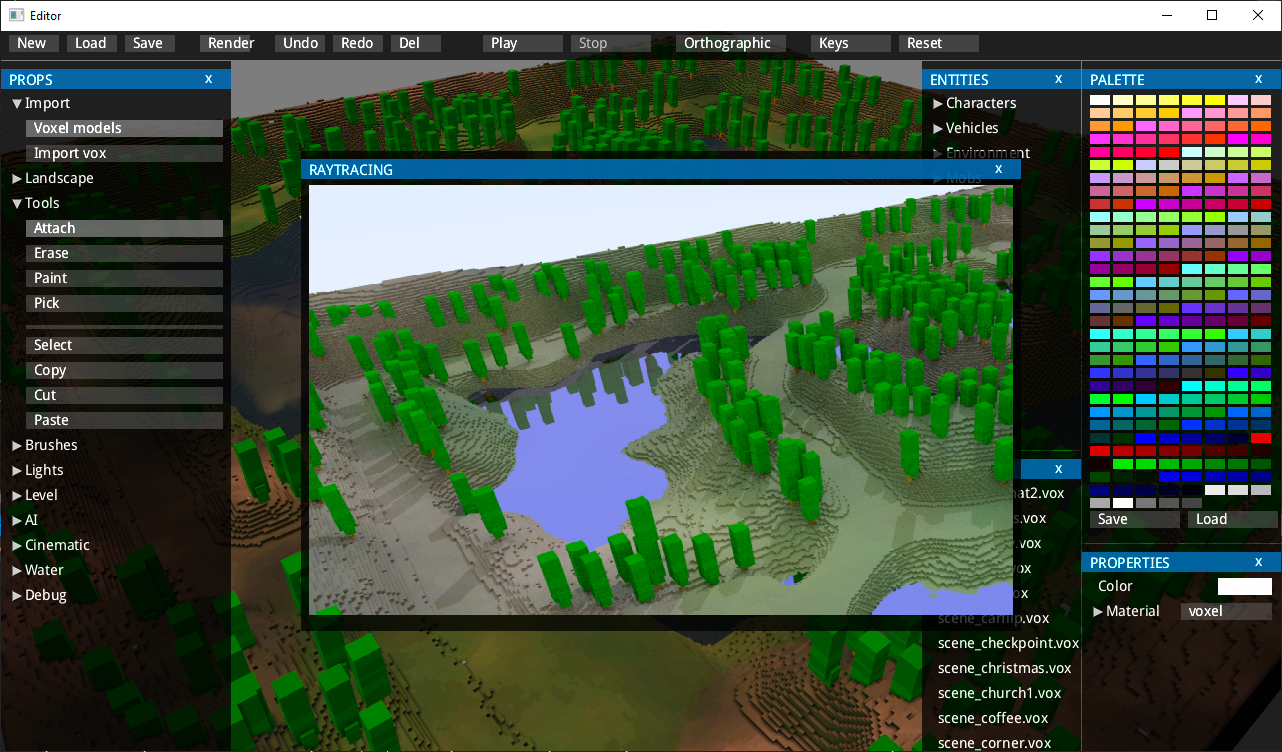
I was reading the excellent Ray Tracing in One Weekend and decided to try it in my voxel engine and editor. The book builds its scenes out of spheres, but I wanted to use voxels.
How it works
A ray goes from the camera through each pixel on the screen. You find where it hits the scene and then work out where the ray goes next. On a diffuse surface the ray scatters in a random direction, a metal surface reflects it, and glass either reflects or refracts it. The book explains this better than I can here.
Ray casting
Ray tracing is only as fast as your ray casting. There are many ways to speed it up, such as bounding volume hierarchies. Luckily the engine already had a world trace function that I used for surface editing, although it was slow.
So the first thing I wrote was a version of Bresenham’s line algorithm for tracing, similar to what Wolfenstein 3D does but extended to 3D. Here is a good explanation of the ray casting in Wolfenstein. You step from voxel to voxel until you reach the first solid one, and that’s your intersection. The voxel field is split into 32x32x32 clusters, so the tracer can skip empty clusters entirely, and it uses the same stepping technique to move between clusters. The inner loop, for both clusters and voxels, has only 2 conditions and 2 floating point additions.
Shading and lighting
Then I moved on to the actual rendering and reimplemented the shading from the book in 300 lines of code. Ray tracing is a powerful technique. A few lines of code get you a picture quite close to reality.
For sunlight and shadows I used importance sampling, following the idea from Ray Tracing: The Rest of Your Life.
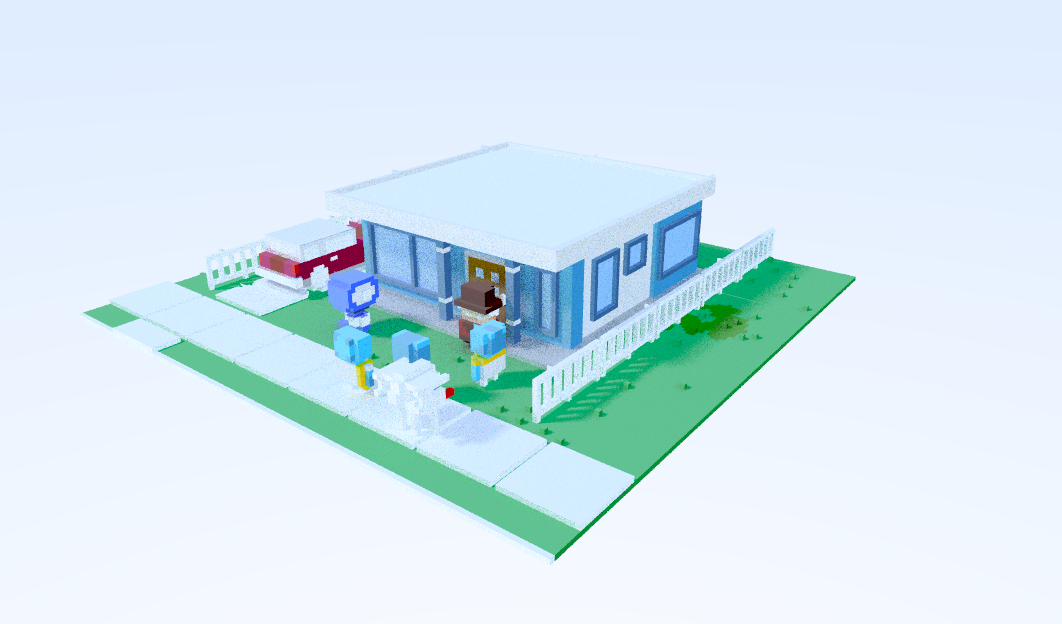
One of the first images, using a free voxel scene by Mike Judge:
Optimisations
The first version was slow: 0.4M rays per second, and several minutes to render a 720p picture at 100 samples per pixel. I applied the obvious fixes:
- Multithreading. Several threads render the image and add their colours into one shared floating point buffer, so a first rough picture shows up quickly.
- Removing profiling and debugging code. trace() is called millions of times, so taking out everything that touched a mutex helped a lot.
- A better random number generator, from this article by Aras.
The random number generator and the multithreaded rendering were painful at first. I spent a couple of hours trying to understand why a picture rendered with 100 samples per pixel looked this bad:
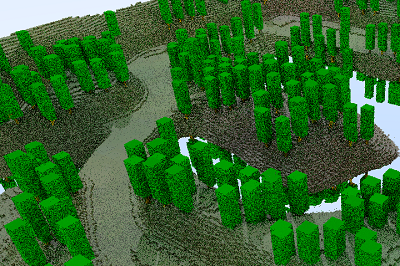
The answer was interesting. The C++ random number generator computes each number from the previous one, and you have to call srand() to seed it in each thread. The random numbers push each sample’s ray in a random direction. Without srand() the rays went in the same direction every time, so every pass produced an identical image.
Conclusion
With a couple of tricks I got the ray tracer from 0.4M rays per second to around 5M. Going further could be tricky. One option is Intel Open Image Denoise: you render with fewer samples per pixel and run the denoiser on top.