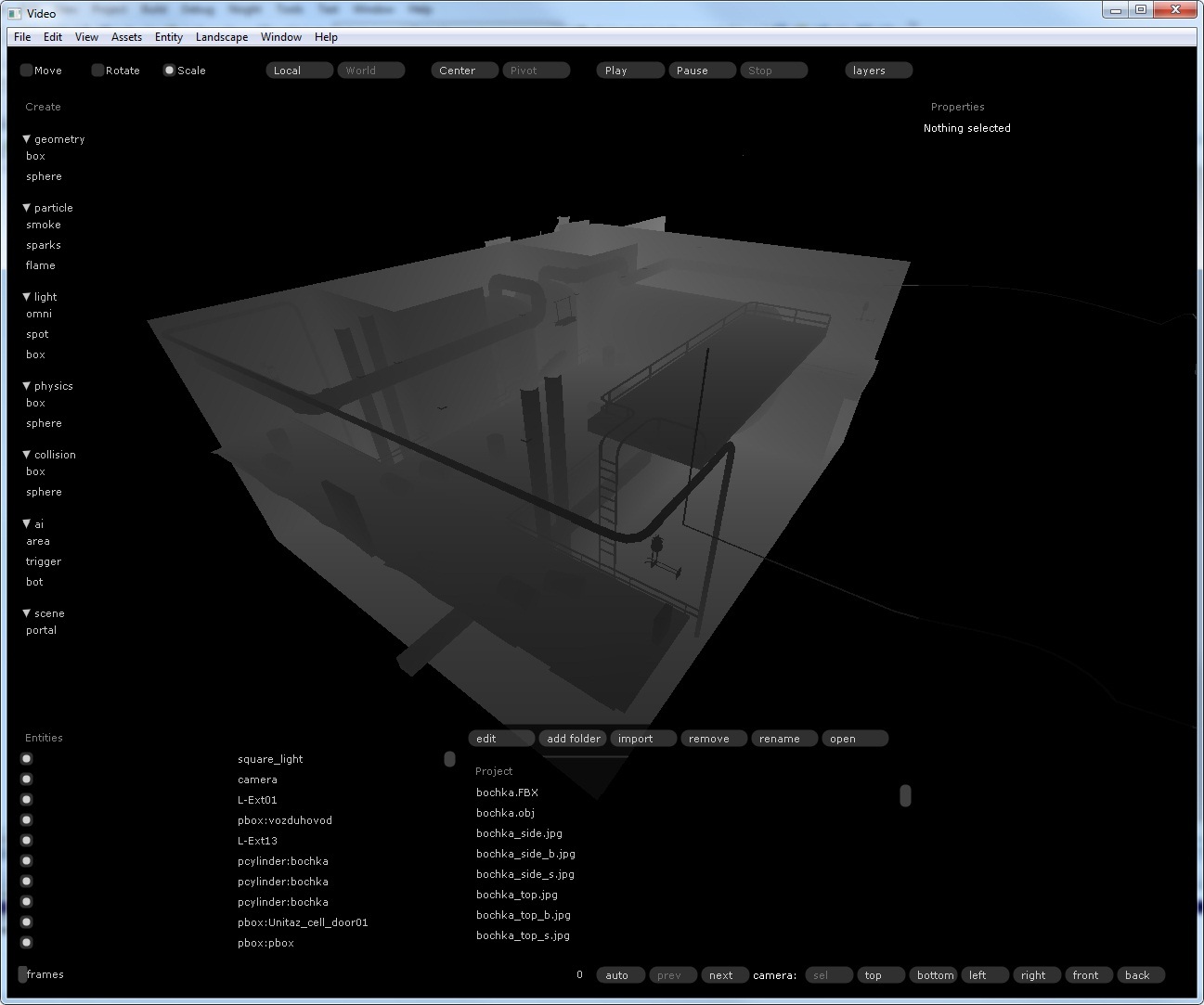
Debug views in the Glow engine
When you’re building a game level you need to see debugging information about the level and its models. I used to place every object, lights included, in 3ds Max, and it was slow going: tweak the lighting in 3ds Max, switch to the engine, check the lighting, and round again.
The Glow engine now has several debug modes: wireframe, world-space normals, pixel depth, lights, physics, AI (triggers) and navigation meshes. You can turn on several at once, except normals, depth and diffuse colour, which can’t be combined. To pick a mode, press the “layers” button and select it.
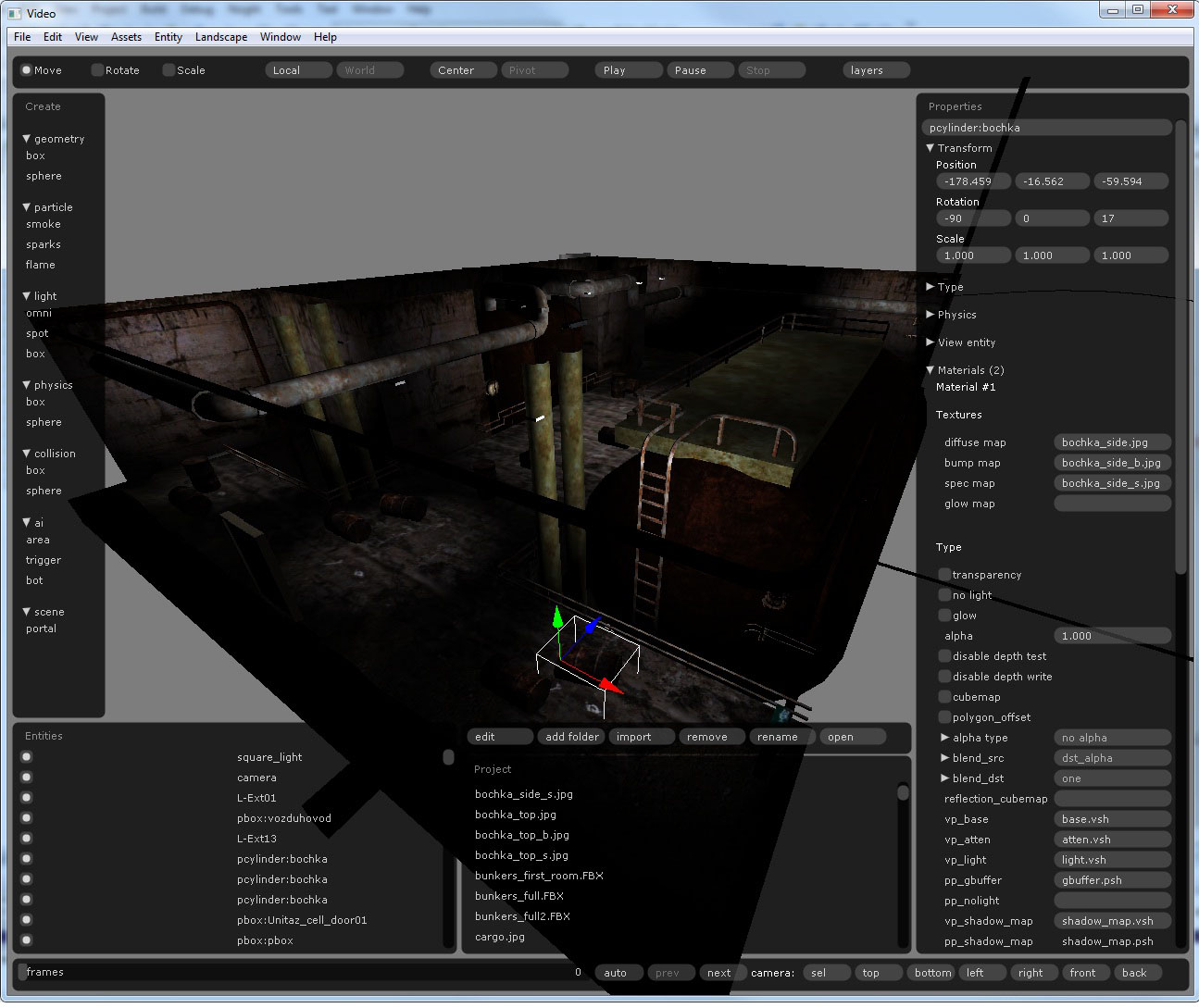
A room from the “Deadly Light” demo, lit by 6 lights:
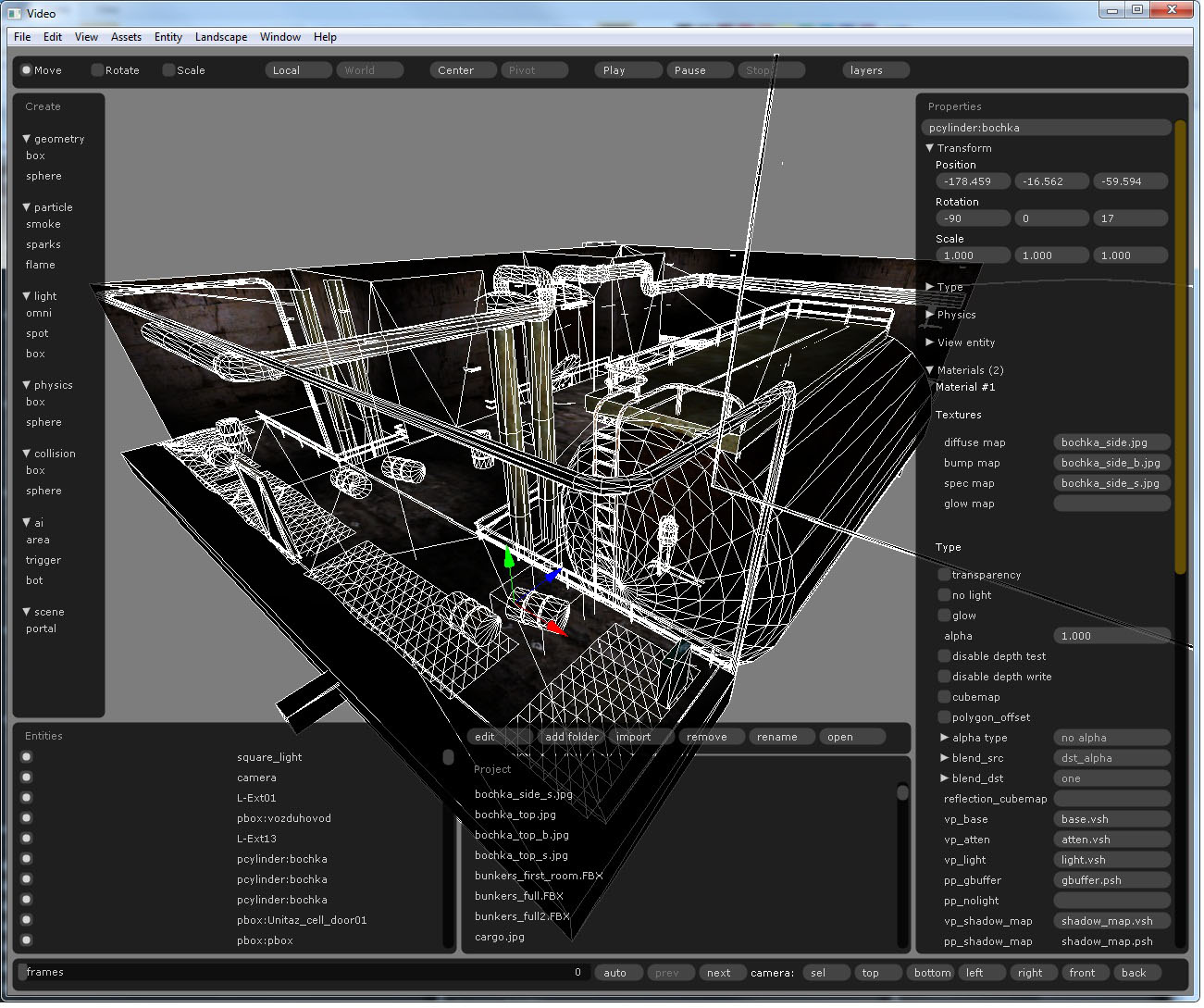
The same room in wireframe mode:
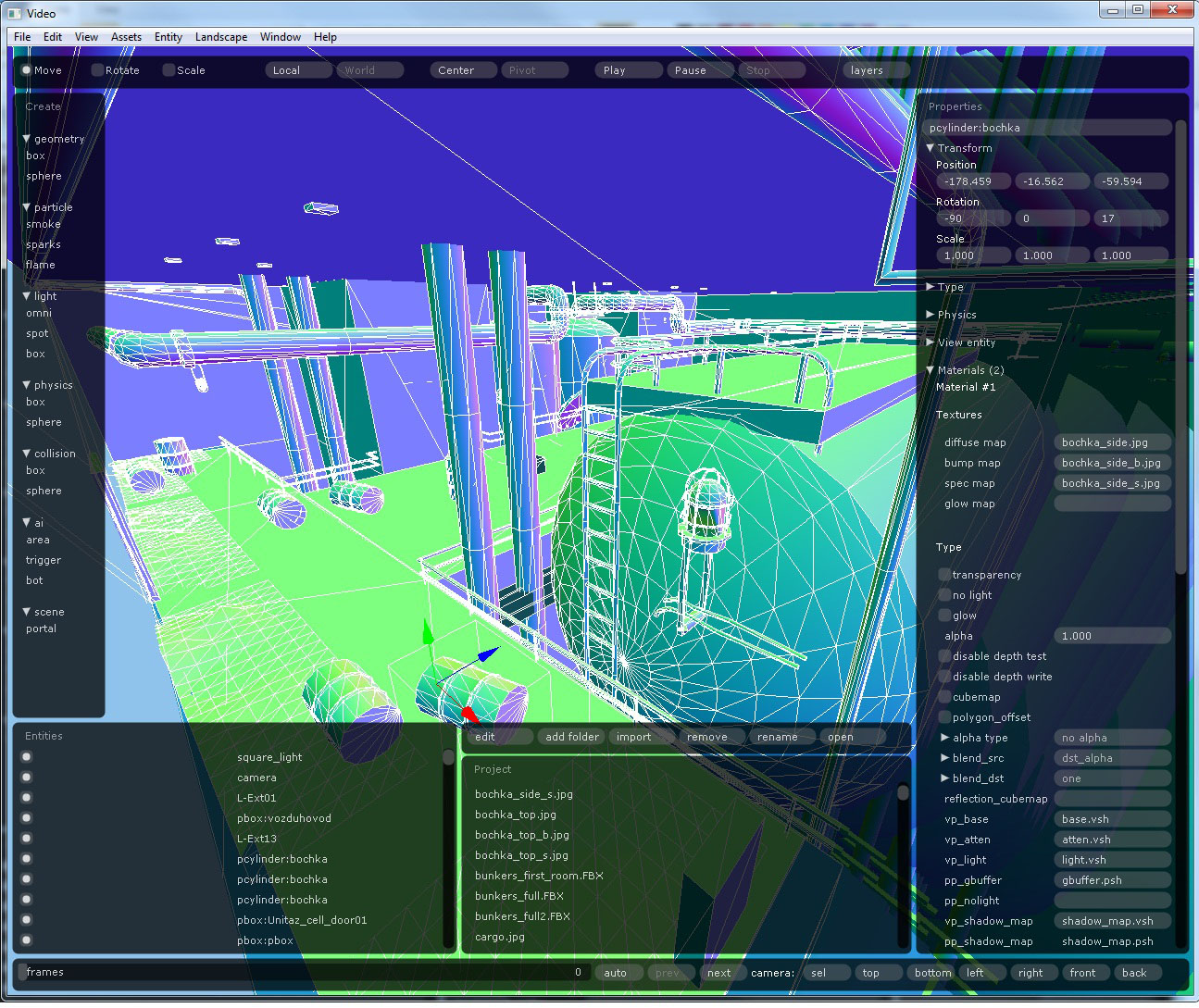
Normals mode:
The lights debugger:
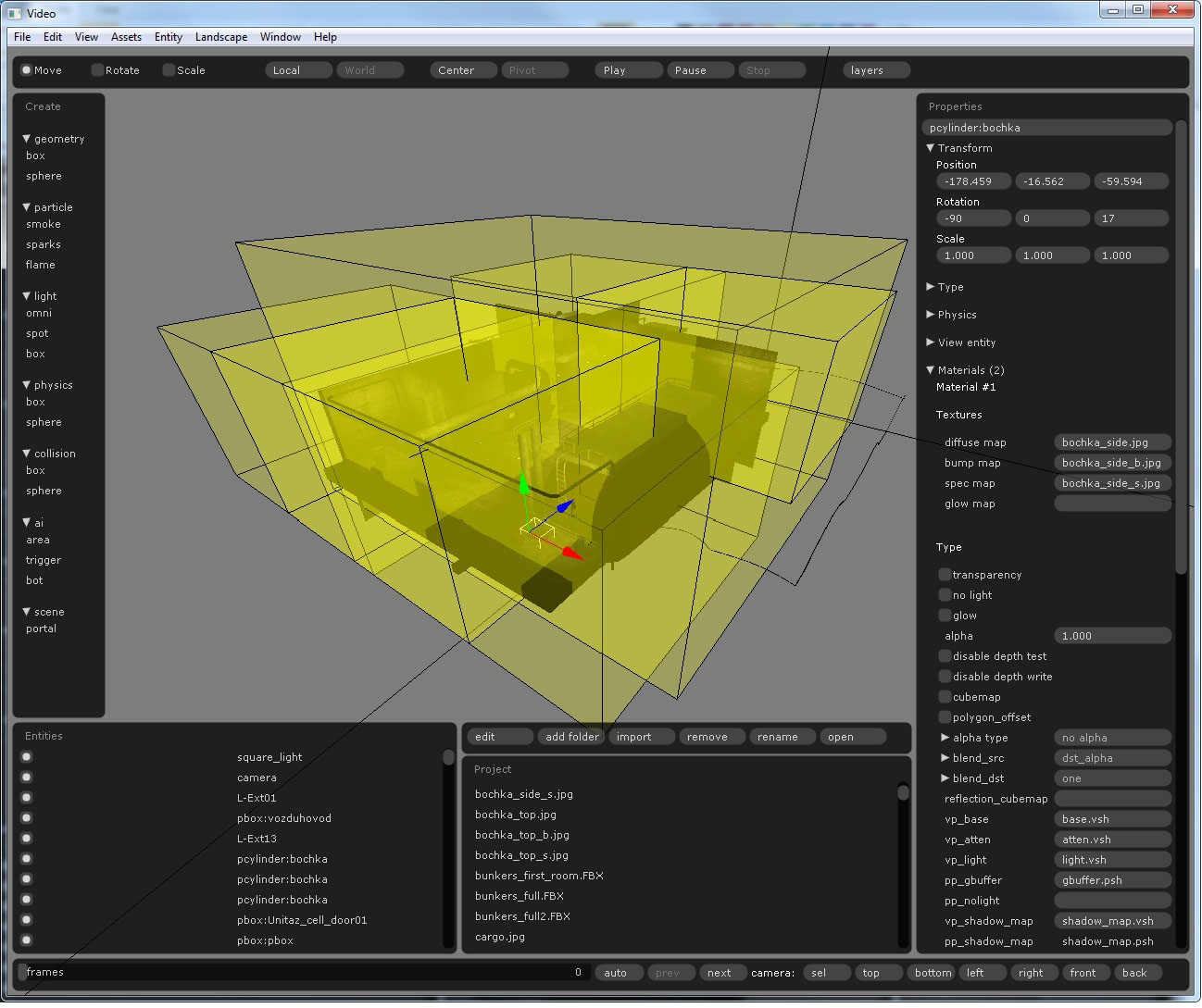
Physics:
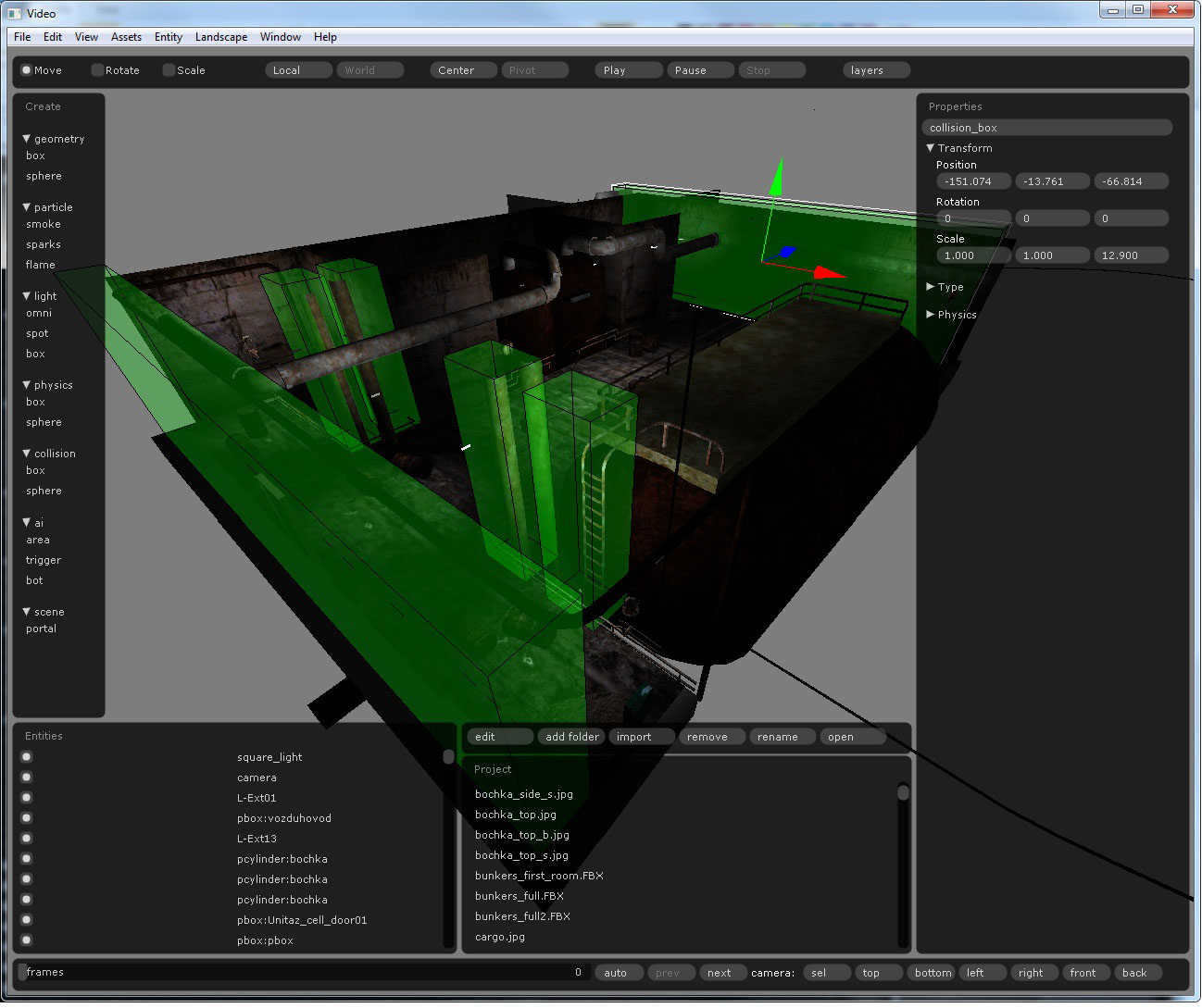
Depth: