iakov.dev

Water, finally

· 1 min read

Water with reflection and refraction in the Glow engine

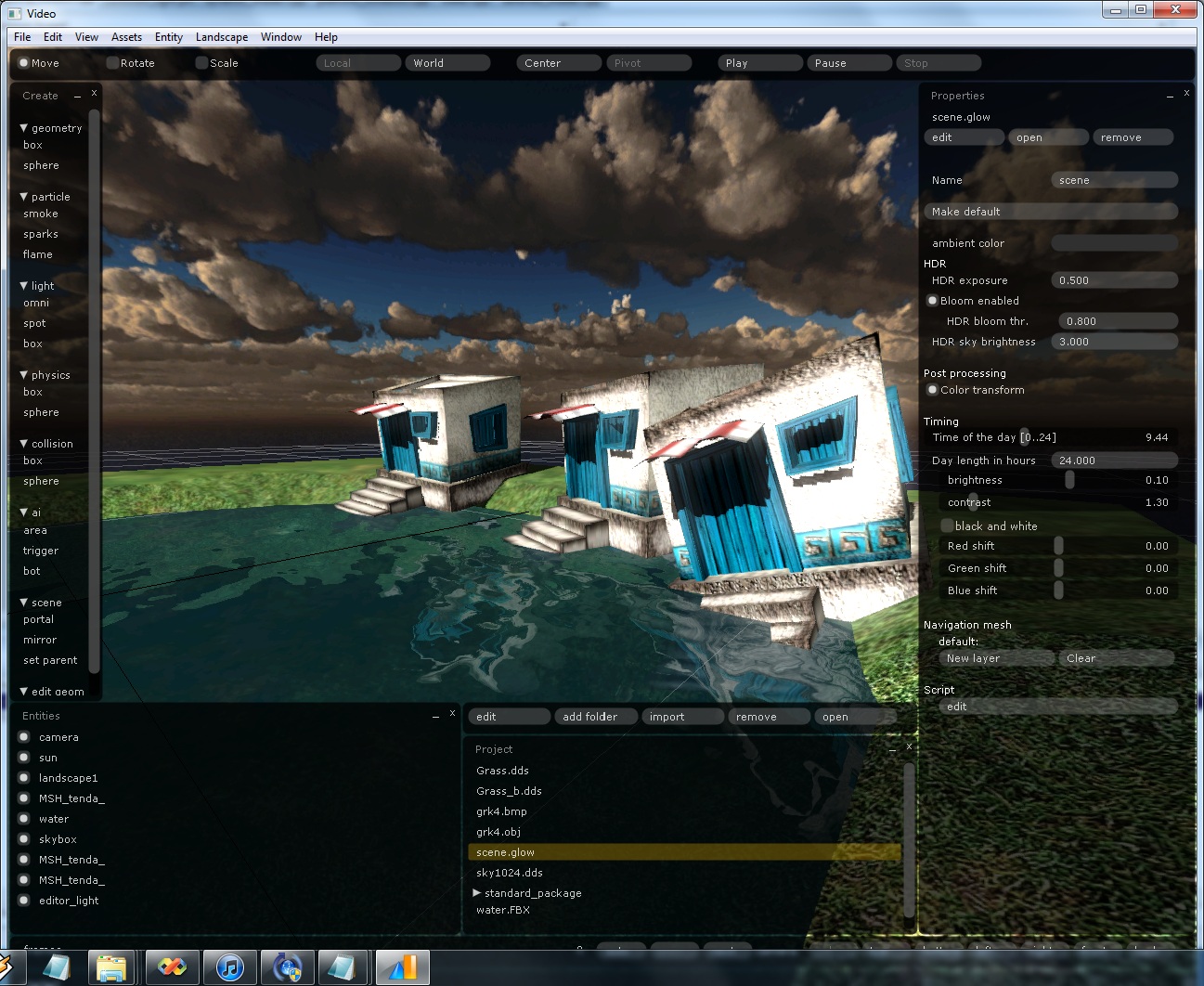
This is the first stage of water in the Glow engine, with reflection and refraction. The screenshot also has HDR, antialiasing, colour correction and gamma-correct (linear) rendering switched on.

Most of these have appeared on this blog already: antialiasing and colour transformations in April, and HDR last week.
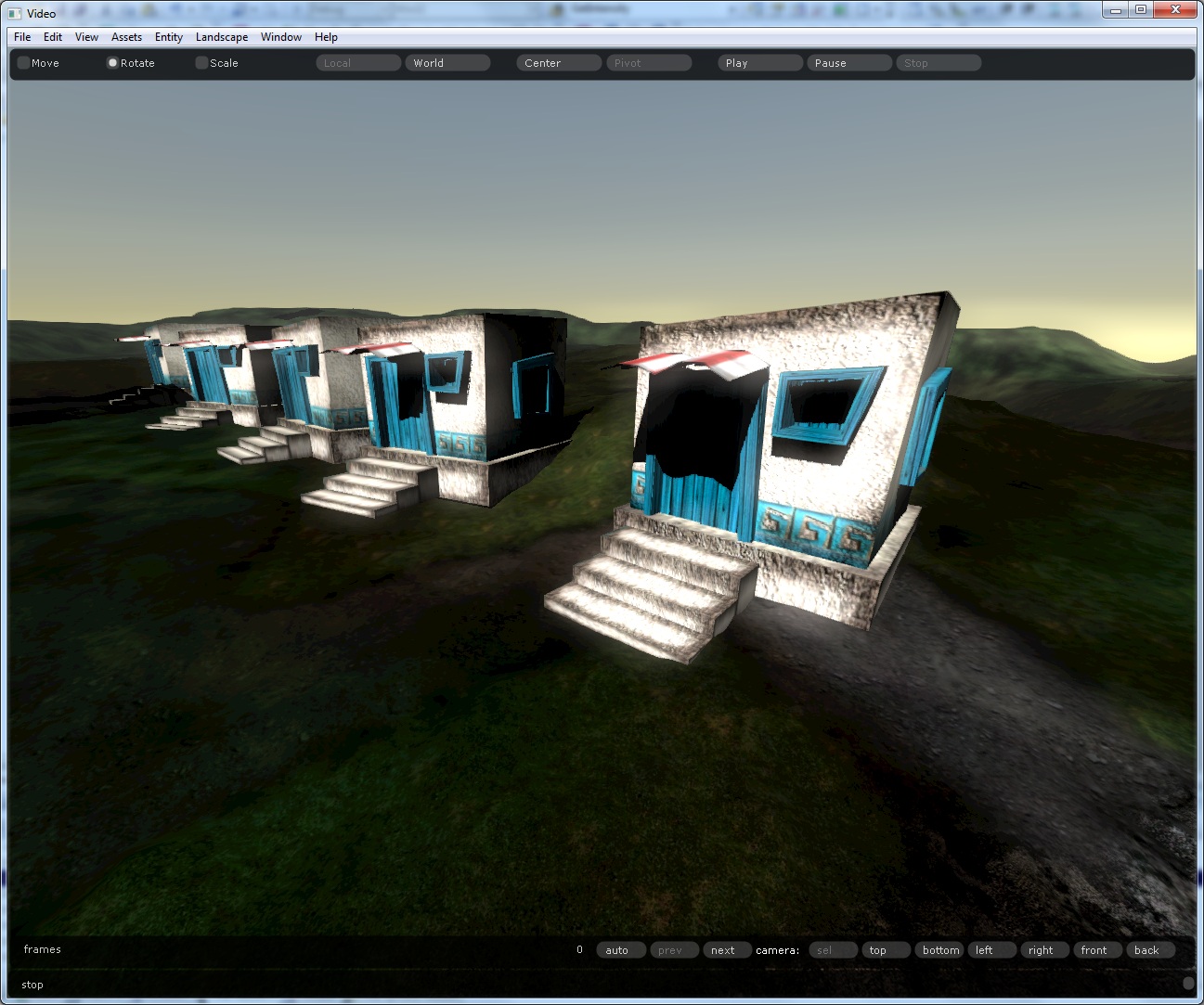
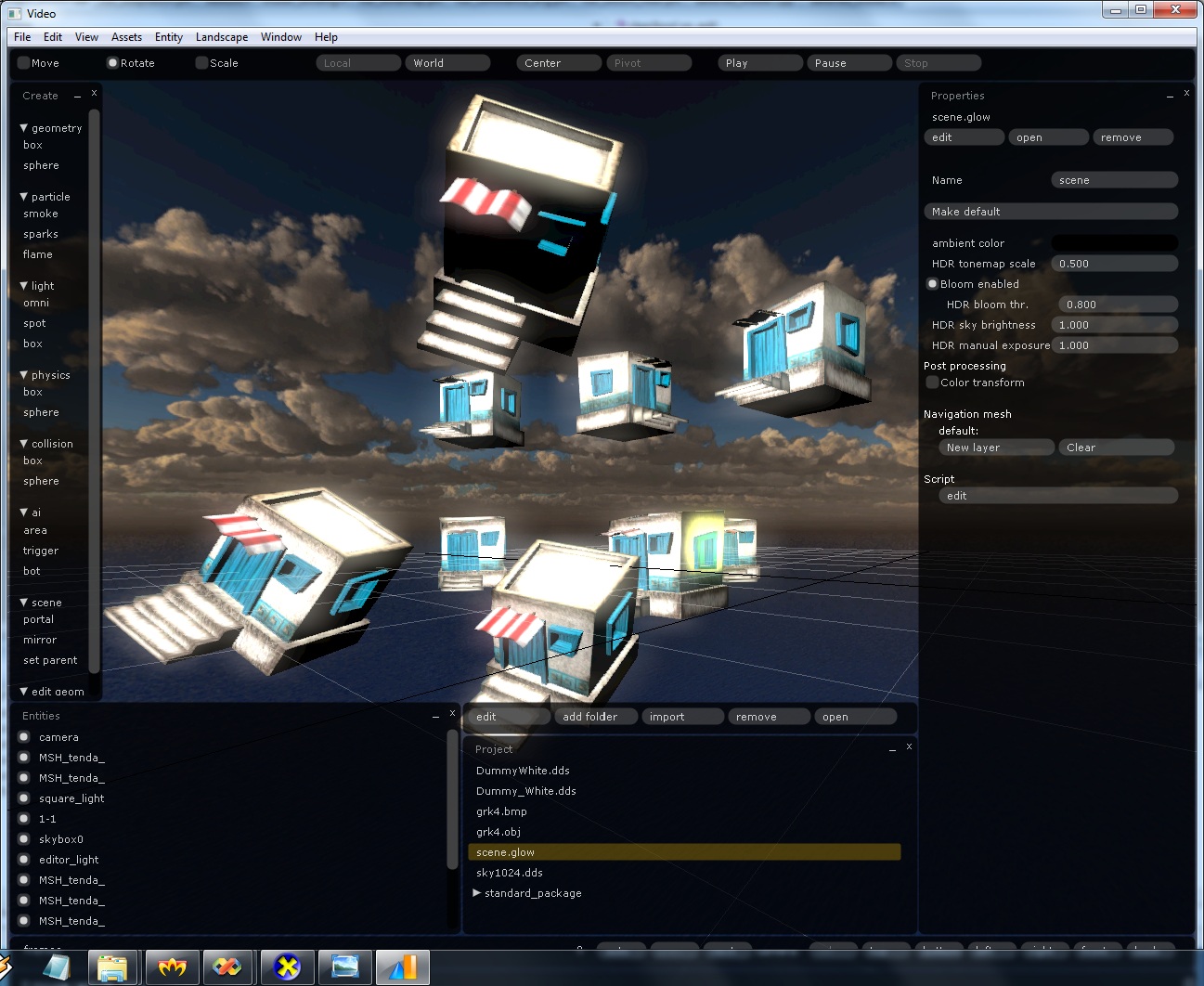
A new day, a new picture with houses

· 1 min read

I’m playing with the combination of atmospheric scattering, light intensity, a dynamic sun and the time of day.

White houses with blue doors on green hills under a low evening sun

The test scene is a row of white houses with blue doors and windows, red and white awnings and stone steps, standing on grassy hills. The sun is low, so the sky goes from grey-blue overhead to yellow at the horizon. The sun and sky follow the Time of Day and Length of Day scene properties I added yesterday.

Atmospheric scattering

· 1 min read

Sky with atmospheric scattering rendered with HDR in the Glow engine

Today I added atmospheric scattering back into the engine (it existed before and I’ve restored it). It’s dynamic and renders beautiful sunsets and dawns. It comes with two new scene properties: Time of Day, from 0 to 24 in hours, and Length of Day, also in hours. The screenshot above goes through the HDR pipeline I finished yesterday.

HDR, finally

· 1 min read

Phew, four months without an update. I came back to HDR and finally cracked it.

It’s probably not very efficient yet, and I’ll come back to it later. The setup is the standard one: 64-bit floating-point render targets (four 16-bit float channels per pixel) and bloom.

HDR and the editor so far

· 1 min read

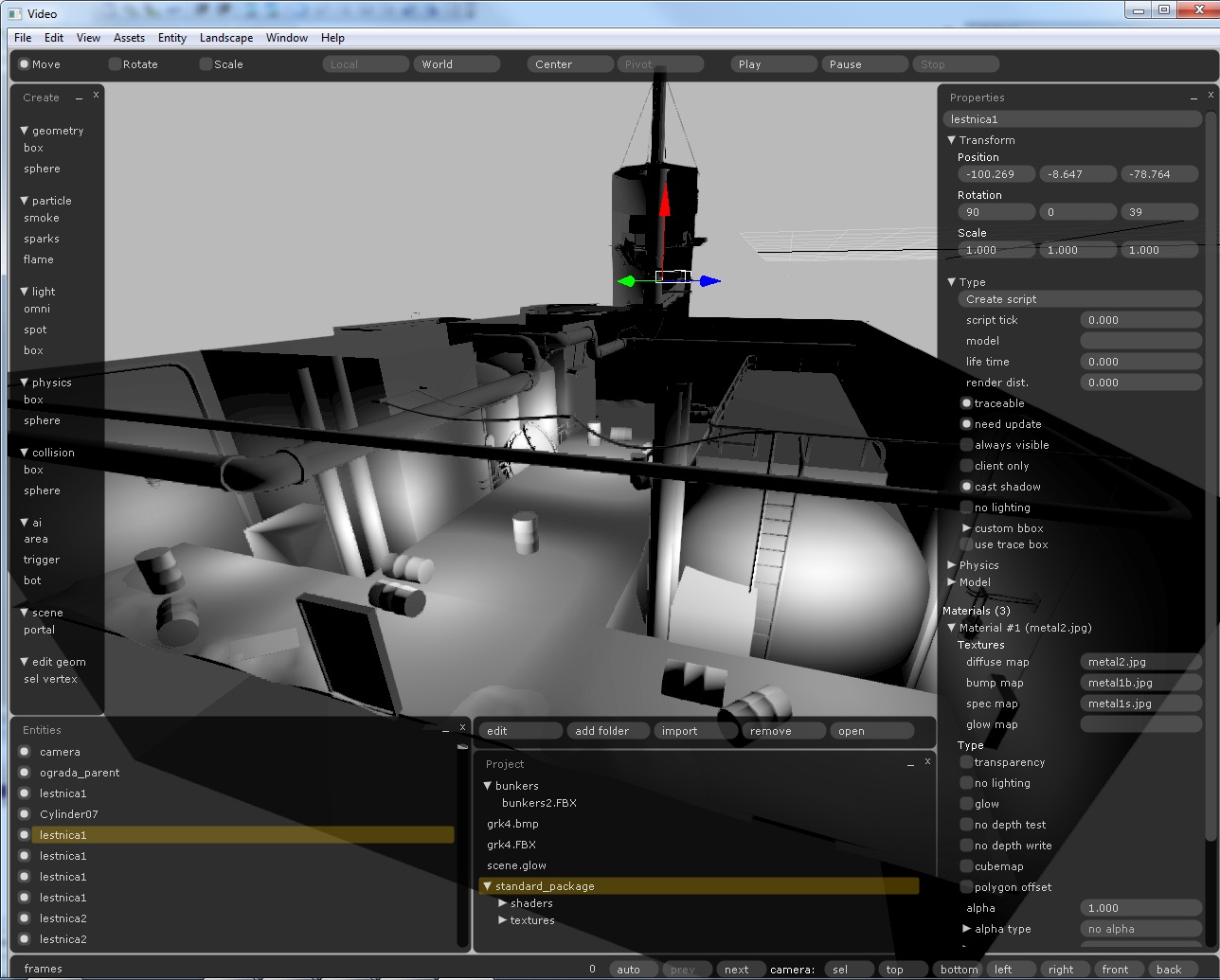
The Glow engine editor with an industrial scene and a selected ladder entity

This is the editor as it stands now. The scene is an industrial set with tanks, pipes, barrels and a mast. A ladder entity (lestnica1) is selected, and the properties panel on the right shows its transform, flags such as cast shadow and traceable, and its material: a metal diffuse texture with bump and specular maps. The Create panel on the left lists what I can place: geometry, particles, lights, physics and collision shapes, AI areas, triggers and bots, and portals.

A few more tasks and the editor reaches its alpha version.

Colour transformations as a post-process

· 1 min read

I’ve added colour transformations to the Glow engine as a post-process.

Right now it supports contrast, brightness, black and white, and red, green and blue shifts. Saturation will come later. All the transformations run in one pass, so adding contrast on top of brightness, for example, doesn’t make it twice as slow.

The transformations are scene properties, so scripts can change them.

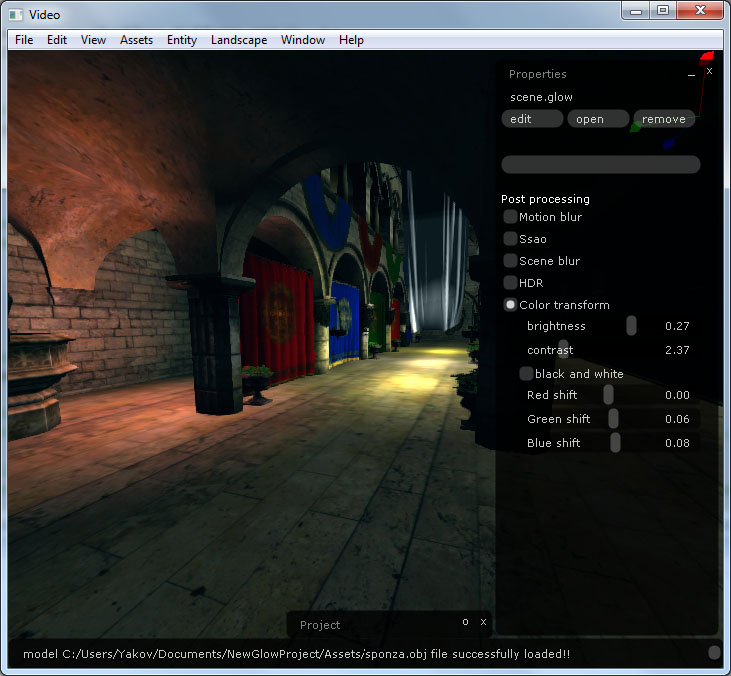
The original image:

Original image before colour transformations

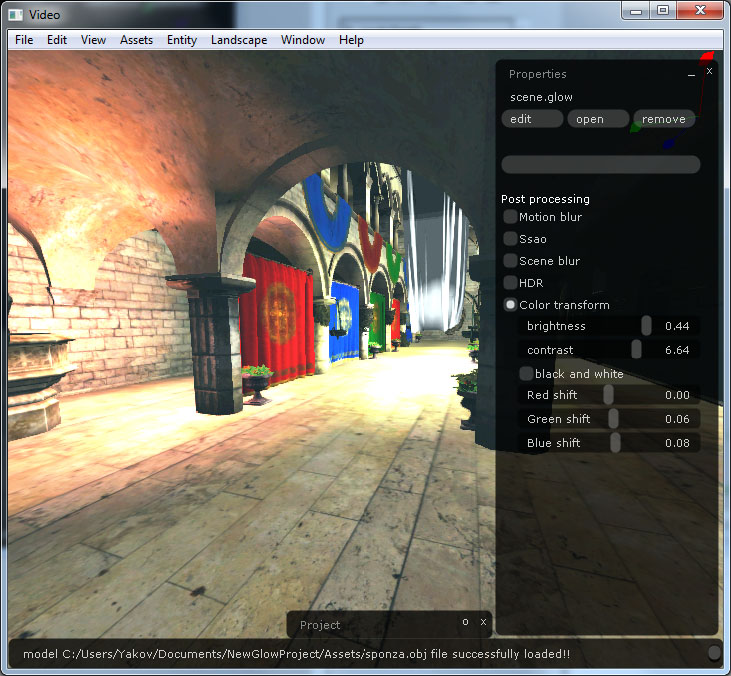
Brightness adjusted:

The same image with brightness adjusted

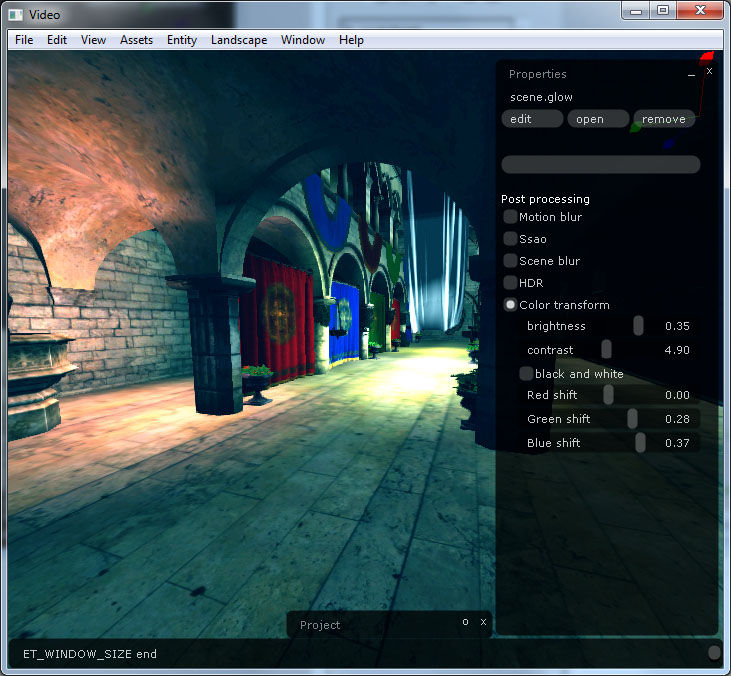
Blue and green shifted for a Matrix look, with brightness adjusted:

Blue and green shifted to give a Matrix film look

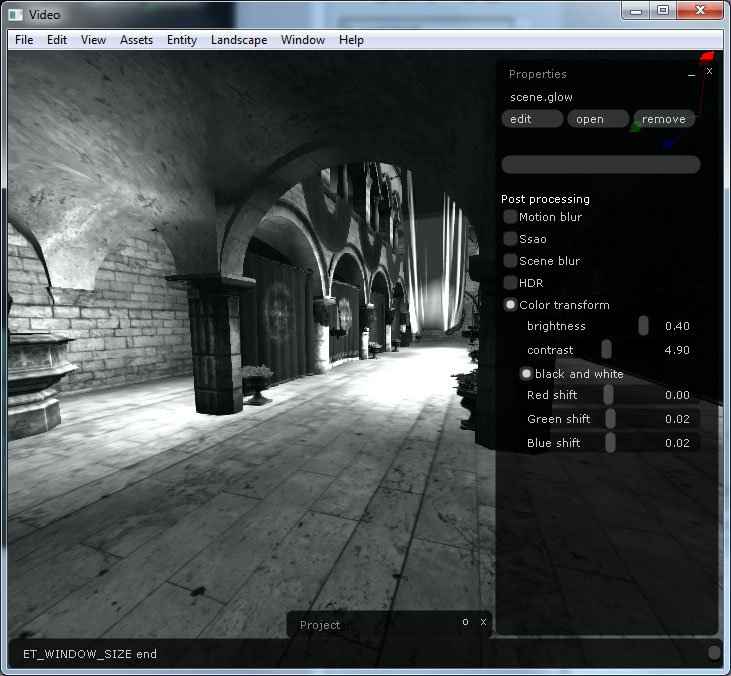
Black and white:

The image in black and white

Antialiasing in the Glow engine

· 1 min read

The Glow engine finally has antialiasing.

I used the Directionally Localized Antialiasing algorithm, the one from The Force Unleashed 2. It works in image space as a post-process. A high-pass filter finds the edges, and then they get blurred with a 5x5 kernel, or a 16x16 one for long edges.

It looks good. My screenshots have suffered from jaggies for a long time, and now they don’t.

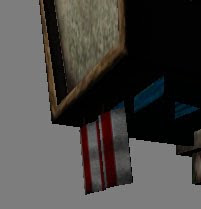
Antialiasing off:

Scene with antialiasing off, showing jagged edges

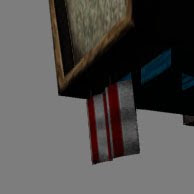
Antialiasing on:

The same scene with antialiasing on

An NPC lit by several lights

· 1 min read

Soldier NPC in a helmet lit by several lights, with a cloudy sky over the sea behind him

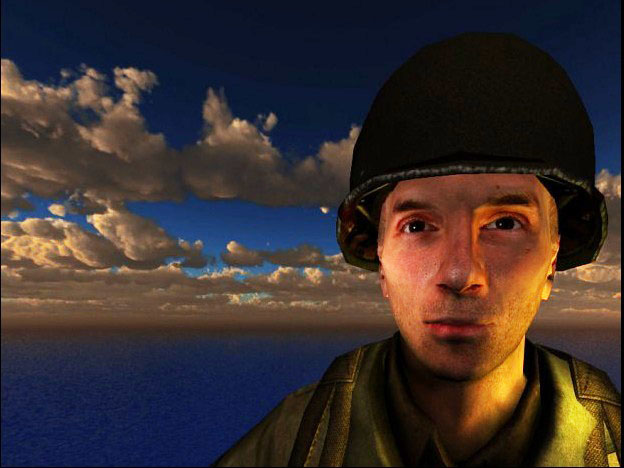
A test of a character lit by several lights at once: a soldier NPC in a helmet, in front of a cloudy sky over the sea. The face is lit from both sides, with a warmer tone on one cheek and a yellower one on the other, and the helmet rim picks up a highlight. It goes through the same renderer as the Deadly Light room and the Sponza shots from earlier this month, which are also lit by several lights.

More screenshots of the Sponza model

· 1 min read

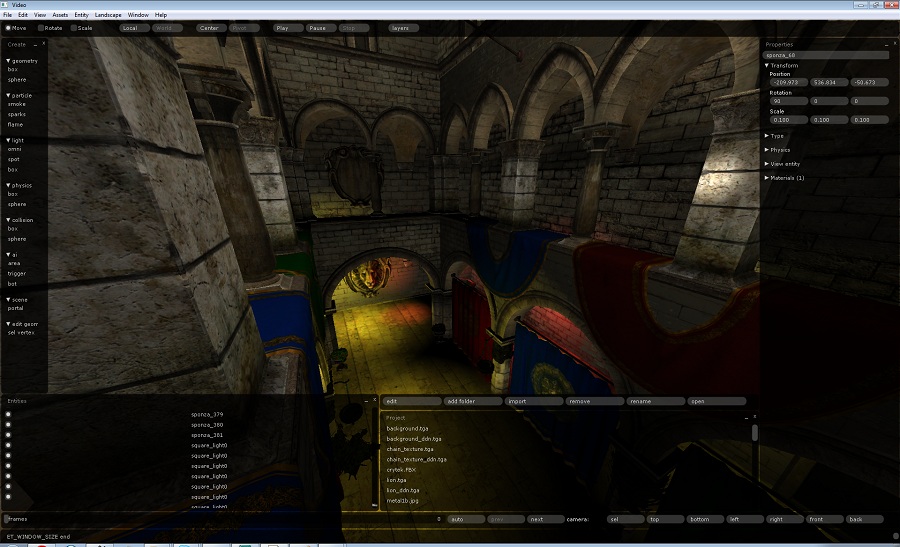
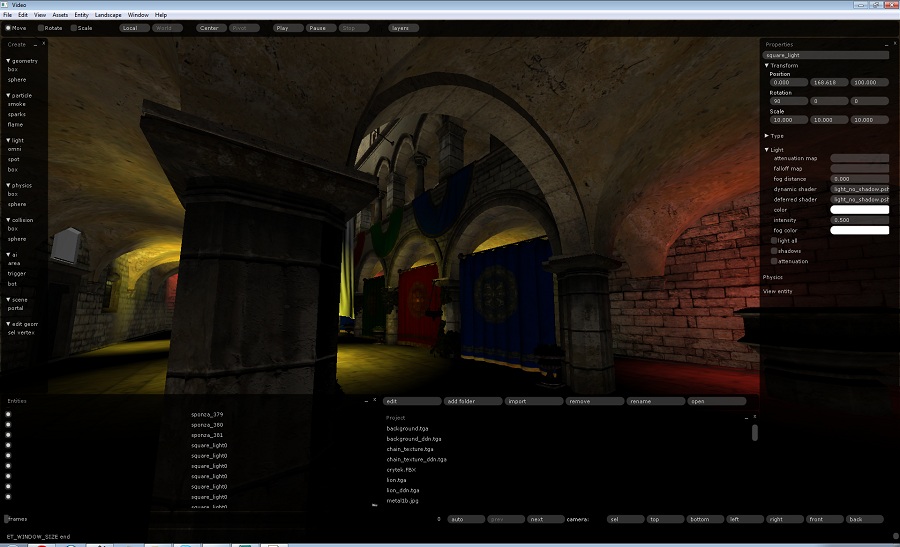
Two more views of Sponza in the Glow engine editor, following yesterday’s close-up of the lion.

The first looks down from the upper gallery. Through the arch at the bottom you can see the lion relief lit at the far end, and the blue and red curtains hang between the columns.

Sponza seen from the upper gallery in the Glow engine editor

The second is on the ground floor among the columns, where yellow and red lights fall on the vaults and the curtains sit in the middle of the frame. The lighting in both shots comes from the square_light entities listed at the bottom of the editor.

Sponza ground floor with warm coloured lights on the vaults

The Sponza lion in the Glow engine

· 1 min read

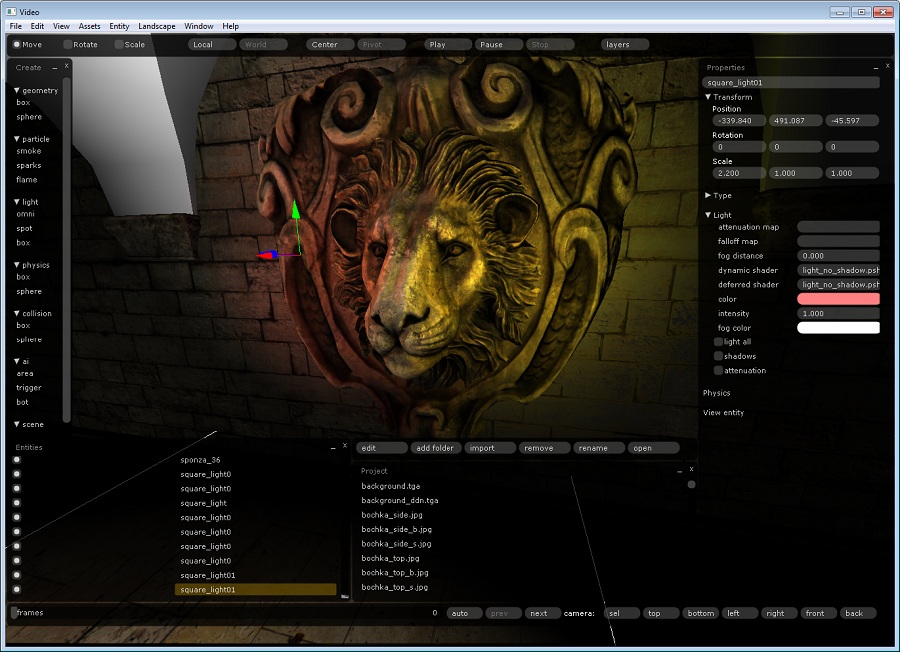
Lion head relief from the Sponza model in the Glow engine editor

A close-up of the lion head from the Sponza model, rendered in the Glow engine editor. Sponza is a common scene for testing lighting, and the carved relief on its wall shows off light and normal maps well. The scene is lit by a set of small “square” lights. The one selected in the properties panel on the right, square_light01, has a pink colour at intensity 1.0 and uses the light_no_shadow shader, so there are no shadows from it here. The entity list at the bottom shows the Sponza meshes and those lights side by side.