iakov.dev

Post-processing pipeline started

· 1 min read

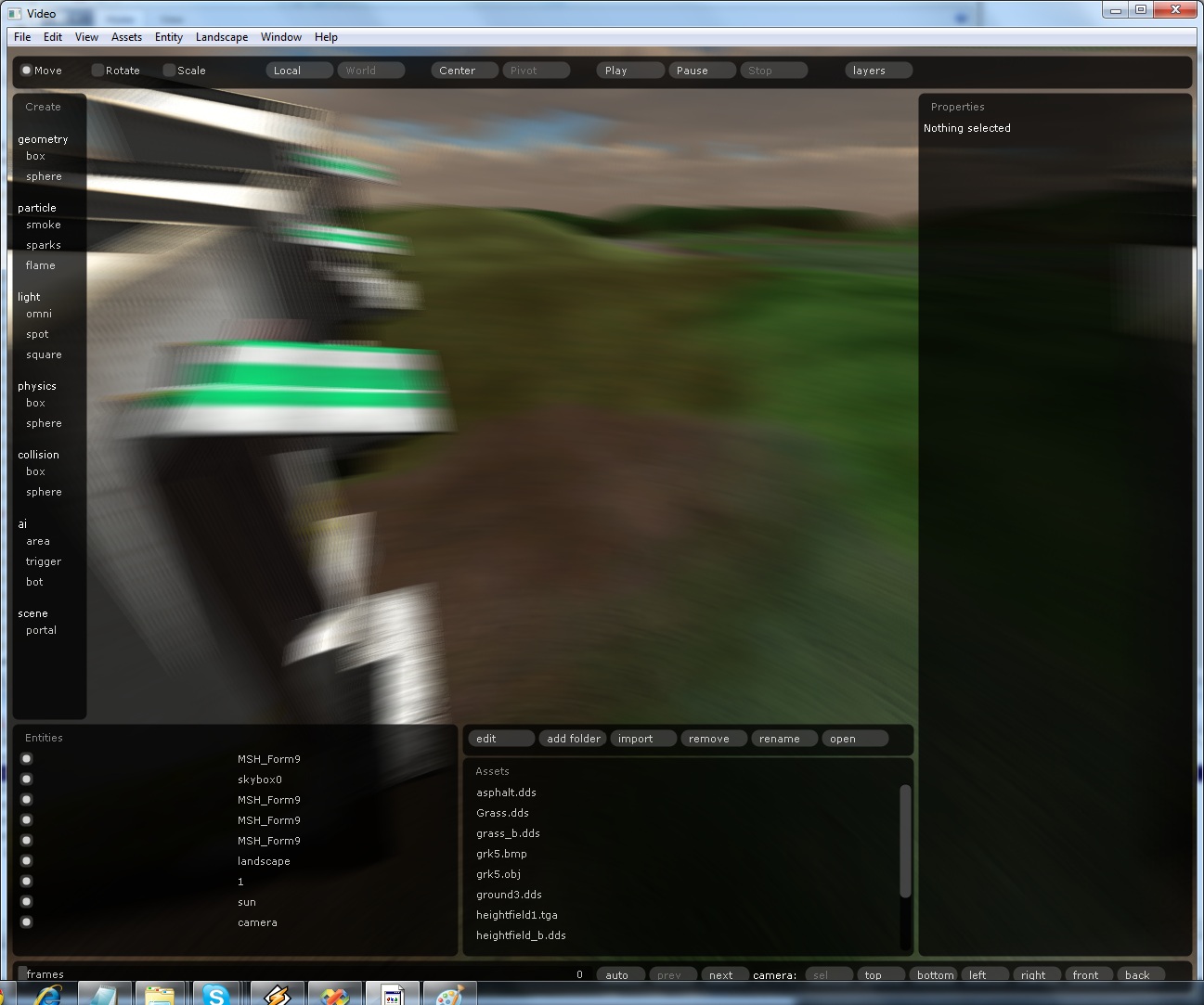
I spent last week on post-processing, and the engine now has a pipeline for it. The first effect is motion blur done as a post-process and built from the geometry buffer, as described in GPU Gems 3. It can be safely disabled. My collection of papers is finally paying off.

This motion blur comes from camera movement only. Per-object motion blur will follow later, with per-pixel velocities stored in the geometry buffer.

Motion blur in action, with a 15-sample kernel:
Editor view of the scene with strong camera motion blur

The original scene:

The same building in the editor without motion blur

Several more post-processing effects are scheduled: a glow pass that blurs the bright parts of the scene, analytical anti-aliasing, depth of field and others. I have also started on mirrors and deferred reflections.
Notes on the Metro 2033 tech interview

· 1 min read

This Digital Foundry interview about the tech of Metro 2033 is inspiring reading. Shishkovtsov is a smart guy.

The part I liked most is deferred reflections. It is a very simple way to get reflections out of a deferred renderer: render the reflected attributes (position, normal and so on) into the geometry buffer and shade them as usual.

After reading it I am also thinking about implementing Exponential Shadow Maps.

I first read the interview about half a year ago, and I have rewritten a lot of the engine since then. It got a thread pool, it was split into several separate modules, and more.

November editor plan done

· 1 min read

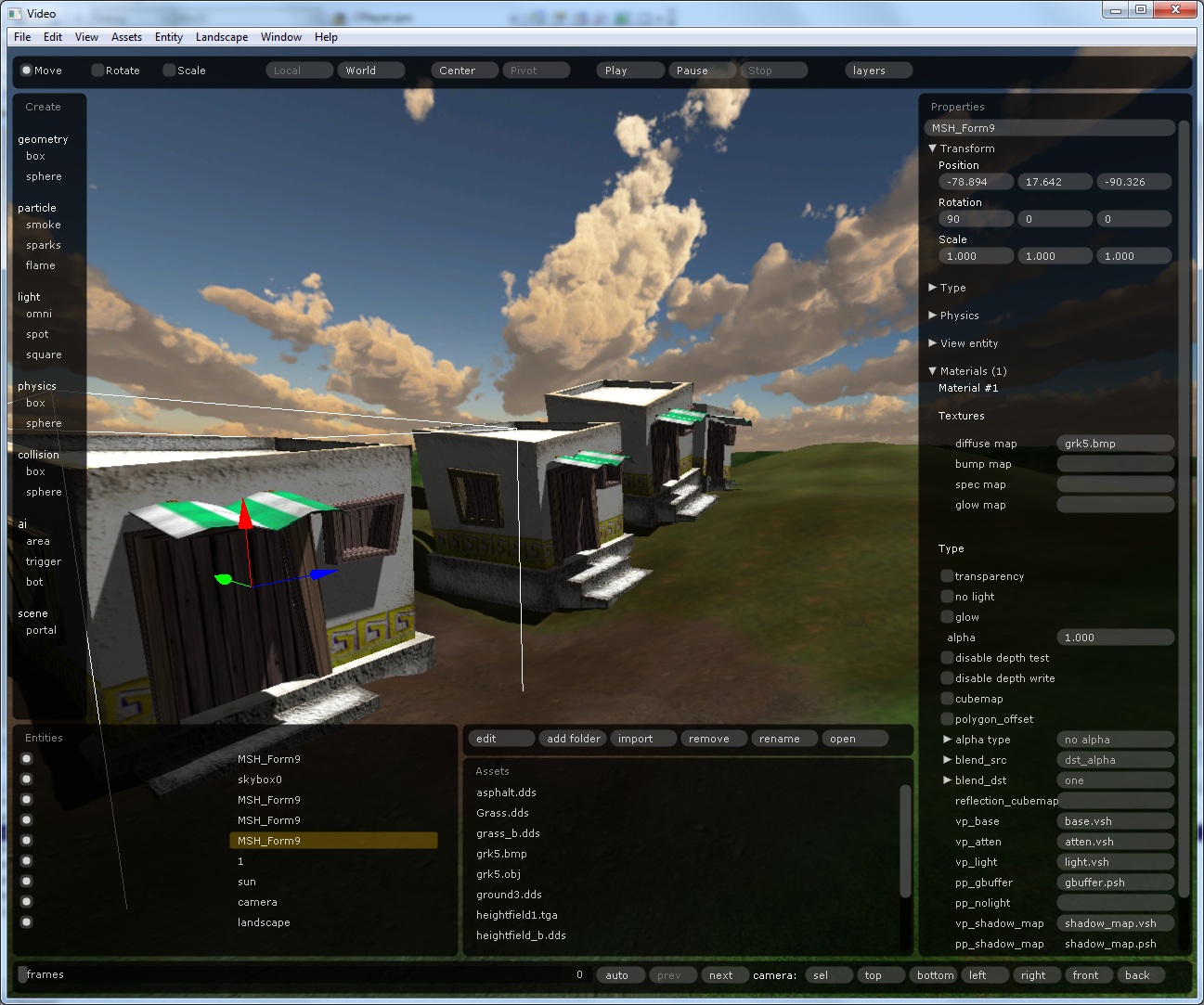
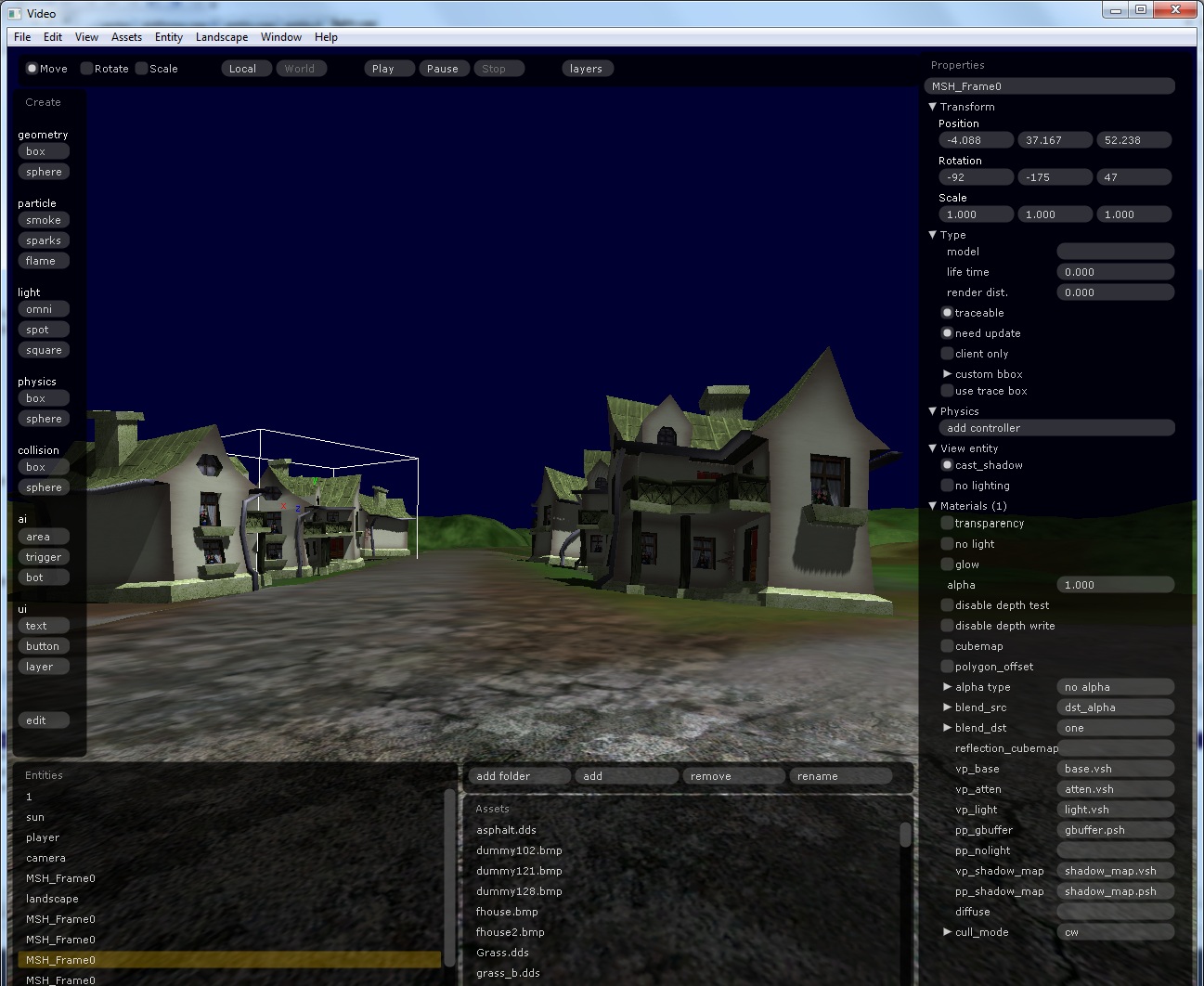
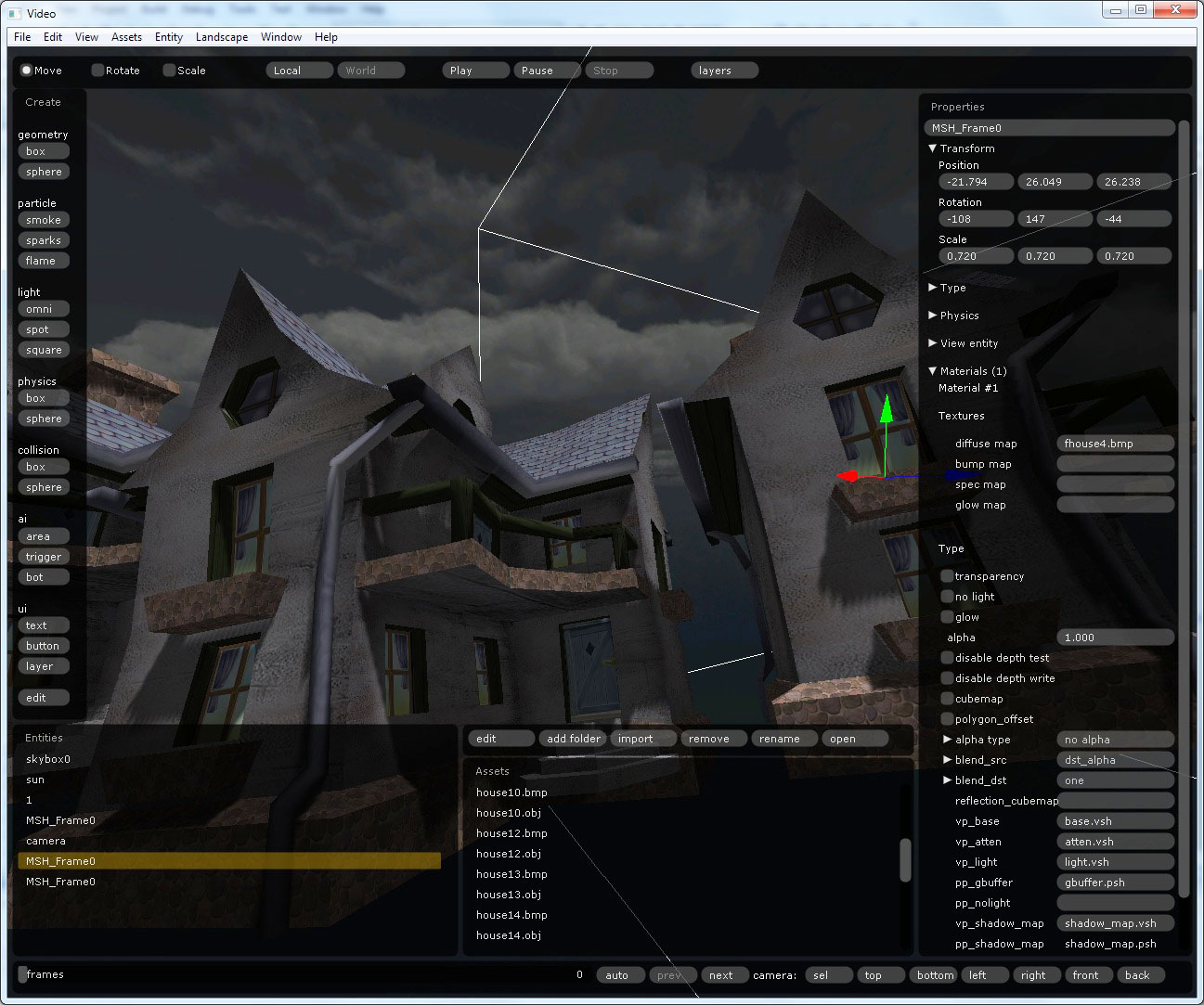
Houses under a dark sky in the editor, with the material properties panel open

The November plan for the editor is done, and then some. More than 30 tasks were finished on time.

New features:

  • Editable scaling
  • Asset preview for sounds, scripts and textures
  • Skyboxes (simple ones, nothing dynamic)
  • New gizmos for moving, rotating and scaling entities

Normal texture trick

· 1 min read

I found an interesting trick for reading normals from textures, described on the NVIDIA Texture Tools wiki. In short, it lets the same shaders use both DXT1 and DXT5 bump textures.

This matters for the editor, because the DXT5 version of a bump texture is only produced at the last stage, when the game is packaged. During testing inside the editor objects will look a little different, since DXT1 is not good for normals. I think that is acceptable.

Auto-reloading resources

· 1 min read

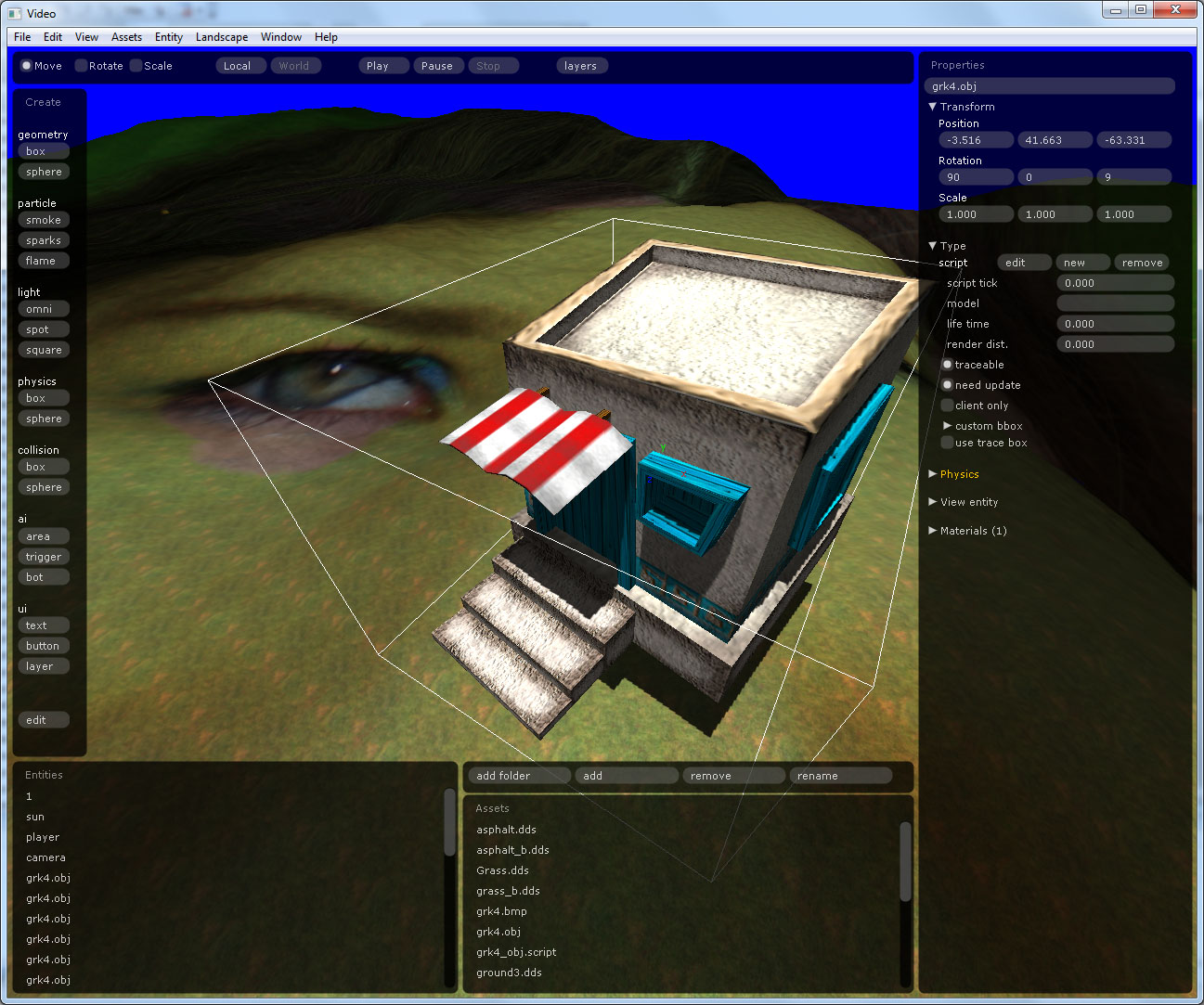
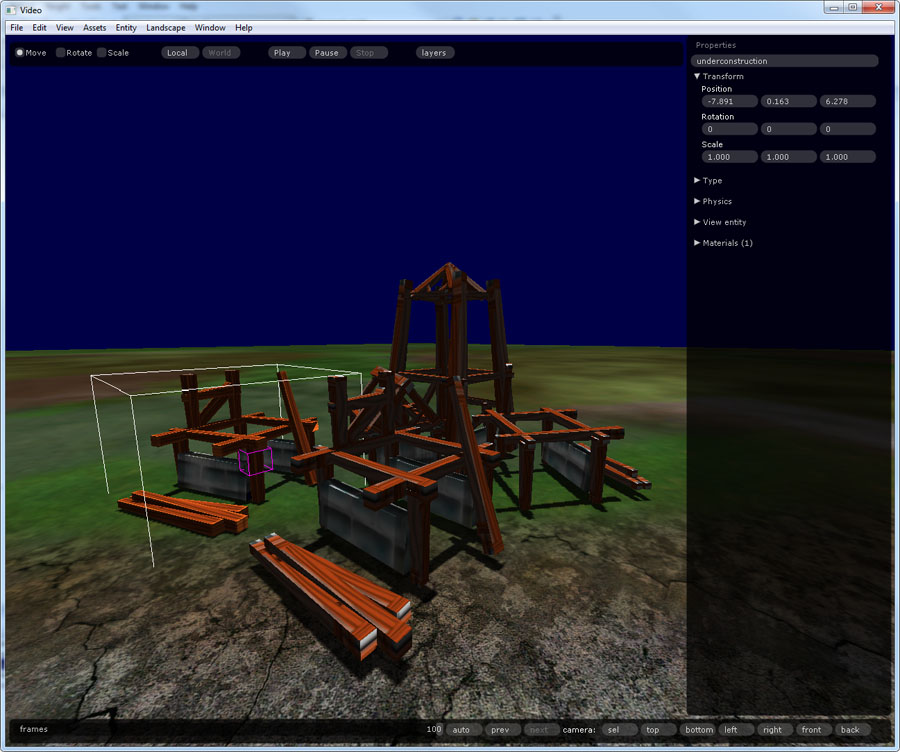
A wooden structure on the landscape in the editor, with the property panel open

The editor now reloads resources automatically. When you switch back to it from the application you were editing in (Photoshop, 3ds Max and so on), scripts, textures, models and shaders load again on their own. Models load in a background thread, so work doesn’t stop while they come in.

There is also new camera control: zoom to the selected objects, and top, bottom, left, right, front and back views of the selection. Other additions are UI for editing an asset in the external application the OS associates with it, opening a resource’s location in Explorer, and importing from the Assets window.

Big face on the landscape

· 1 min read

A landscape in the editor textured with a giant photo of a face

While testing new editor features I set the landscape texture to a random photo. Walking across a gigantic face is a strange experience.

The new features:

  • Import of 3D models from FBX files through the Autodesk FBX SDK.
  • Ray tracing against landscapes uses the heightmap, which is faster than tracing the actual geometry.
  • Materials, scripts and audio files can be assigned to objects by dragging them from Explorer or the Assets window.
  • Scripts can be edited in Notepad, assigned to an object and removed.
  • A depth pass now runs before the geometry buffer pass in deferred shading.
  • A current insertion position for cut, copy and paste.

Weekly editor screenshot

· 1 min read

This week’s editor image.

Houses on a clipmap landscape at dusk in the editor, with shadows

Deferred shading works again, along with shadow maps and landscapes rendered with clipmaps. Entities can now be moved and rotated with the mouse, restricted to a selected axis (x, y or z).

I also have a plan for the next two months to finish the first version of the editor and the engine.

Editor status

· 1 min read

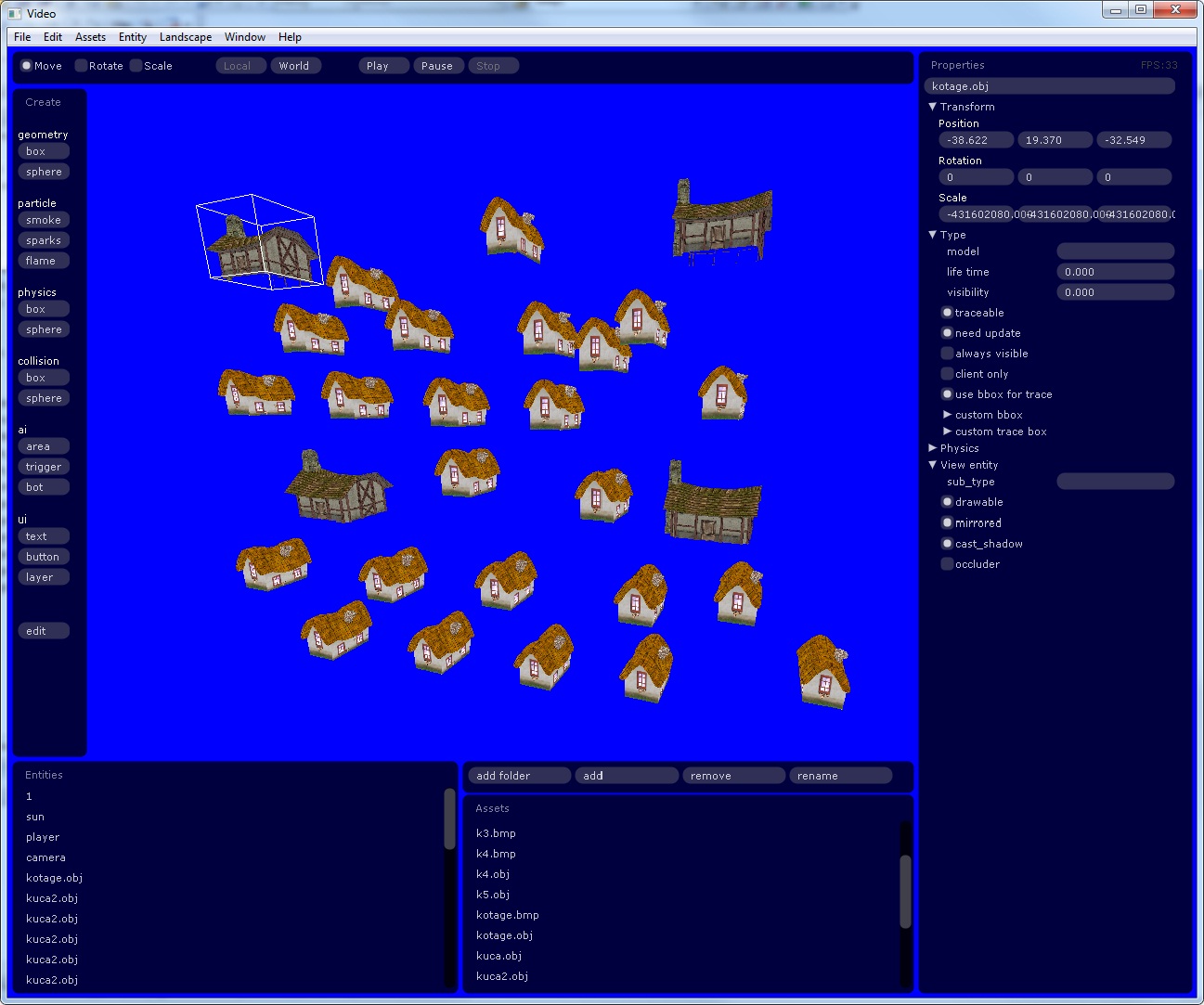
The editor with a scene full of house models, the asset lists and the property panel

The editor is moving fast. A lot of things are done: window layout management, editing an object’s type, asset management (dragging assets from the asset tree into the scene, renaming, deleting and so on), project save and load, and more.

Next week I will make a video.

I can see light at the end of the tunnel.

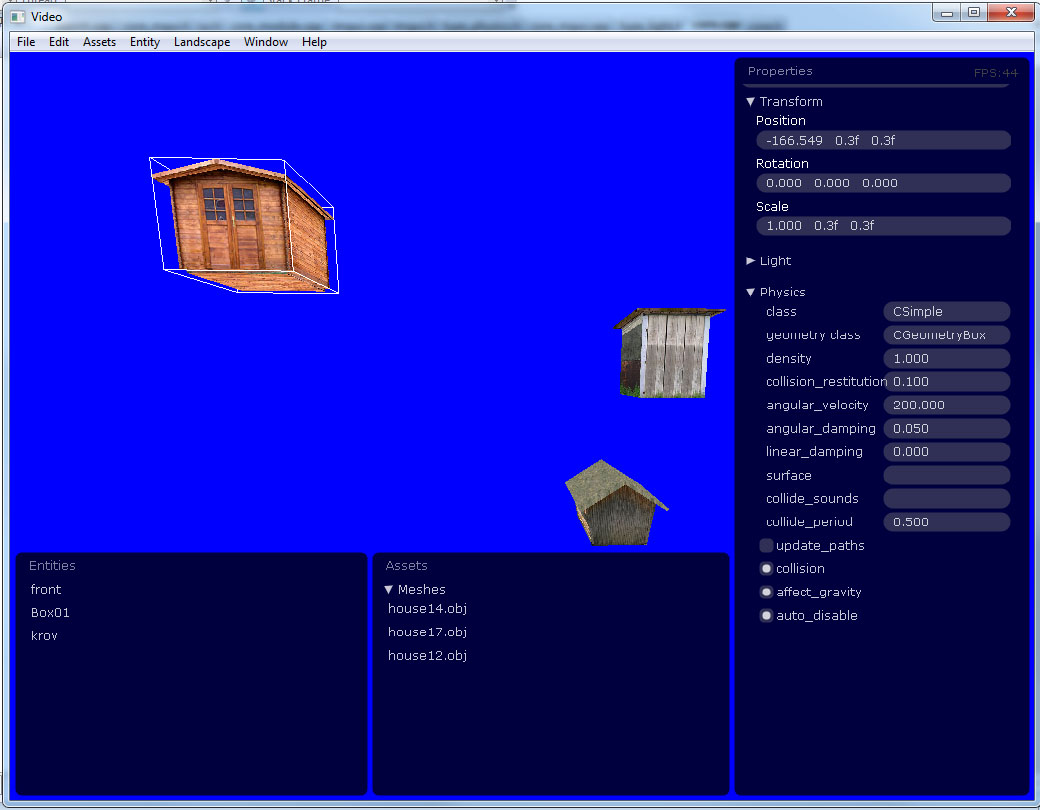
Editor progress with projects, assets and property editing

· 1 min read

Some progress with the editor. It can now load and save projects, show a list of assets and a list of entities, and edit object properties. All of it runs in the in-game 3D UI, and all of it supports undo and redo.

That 3D UI is the immediate-mode interface scripted in Lua that I started on in August. The screenshot shows a few house models in a test scene with the entity list, the asset list and the property panel.

The editor with a selected shed, the entity and asset lists, and the property panel

Back from vacation

· 1 min read

I am back from three weeks of vacation: five countries, eleven flights.

Work on the editor starts again where it stopped in August. By then it could take meshes dragged in from Explorer, load them in a background thread, undo and redo edits, and keep objects attached to the landscape. The next step I have started on is project management for the editor.