iakov.dev

Planning the gameplay before building it

· 1 min read

I’m working on my game design skills and did some brainstorming. I already have around 80 gameplay ideas.

I want a clear picture of the gameplay before I implement anything. I’ve already done two or three projects with no real gameplay at all.

Here’s my plan:

  1. Raw ideas, in my head and as pictures
  2. A design document
  3. A rough demo with simple graphics and animations
  4. Playtesting
  5. Final graphics and animations

First horde tests

· 1 min read

Video

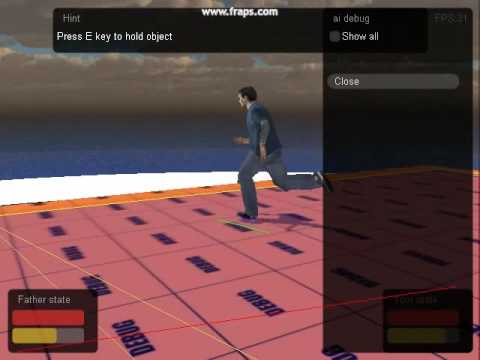
I spent the day implementing steering behaviours for a horde.

The first video uses Recast navigation, plus avoiding the nearest neighbour (with prediction, in the OpenSteer style), plus avoiding nearby walls.

The second one uses Recast navigation and the same nearest-neighbour avoidance, but here the bots avoid walls only after they collide with them, and they also avoid dynamic obstacles.

Video

The navigation mesh takes time to update (usually it’s updated at 0.5-second intervals), so sometimes bots walk through an obstacle. For moving obstacles I may need to use the same steering behaviour as for avoiding other bots.

Does it look natural to you, or does it need more work?

Velocity obstacles finally make sense

· 1 min read

I finally understand what a Velocity Obstacle is. It’s ridiculously simple. Printing out the source article and reading it on paper helped a lot.

For each moving obstacle you work out the set of velocities that would make you collide with it at some point, if both of you keep moving as you are. Then you pick a velocity outside all of those sets.

Which means there will be hordes of zombies.

Recast navigation with steering and a wall repulsion force

· 1 min read

Video

Two days ago walls were the open problem: with steering, a bot drifts off the safe path that Recast gives it. Now each bot combines a path-following force and its steering behaviours with a force that pushes it away from walls.

In the video:

  • the red line is the path from Recast
  • the green line is the resulting velocity
  • the blue line is the wall repulsion force

Simple steering behaviour for bots

· 1 min read

Video

Yesterday I added simple steering behaviour for the bots. Their movement looks more realistic than the old direct path following. A bot now has a velocity and an acceleration, and it tries to move along the current line of its path.

There’s still work left. The bot’s position is no longer exactly on the safe path, so I have to deal with walls. Moving obstacles need handling too.

Use std::vector::swap instead of assignment

· 1 min read

If your code assigns one std::vector to another and you won’t need the source vector afterwards, use the vector’s swap member function instead. Assignment copies the elements into the destination, which can mean allocating a new buffer. Swap only exchanges the internal buffers of the two vectors, so you save one memory allocation.

void SetPath_Dirty(vec3& path) {
	m_path.swap(path);
}

After the call, path holds whatever m_path held before, so the caller shouldn’t rely on its contents.

Lighting features of my engine

· 1 min read

Video

The video runs through what the lighting in my engine can do.

The main path is deferred shading. For slow hardware there’s a fallback with Doom 3-style lighting. With deferred shading I can have more than 1000 lights at the same time, as long as they don’t cast shadows. Omni lights can cast soft shadows from shadow maps.

On top of that there are attenuation maps, fog, bump maps, specular maps, ambient light and a few other things.

Recast dynamic navigation meshes in gameplay

· 1 min read

Video

Here are some examples of Recast dynamic navigation meshes used in gameplay.

My earlier videos showed the dynamic navigation meshes on their own, first on the Intel Level Up demo level and then together with Havok physics. This time they are part of the game. Little Zombie Susie has puzzles about creating paths for your NPC, and those depend on the navigation mesh updating when something in the level changes.

A pool allocator for small objects

· 1 min read

Little Zombie Susie screenshot

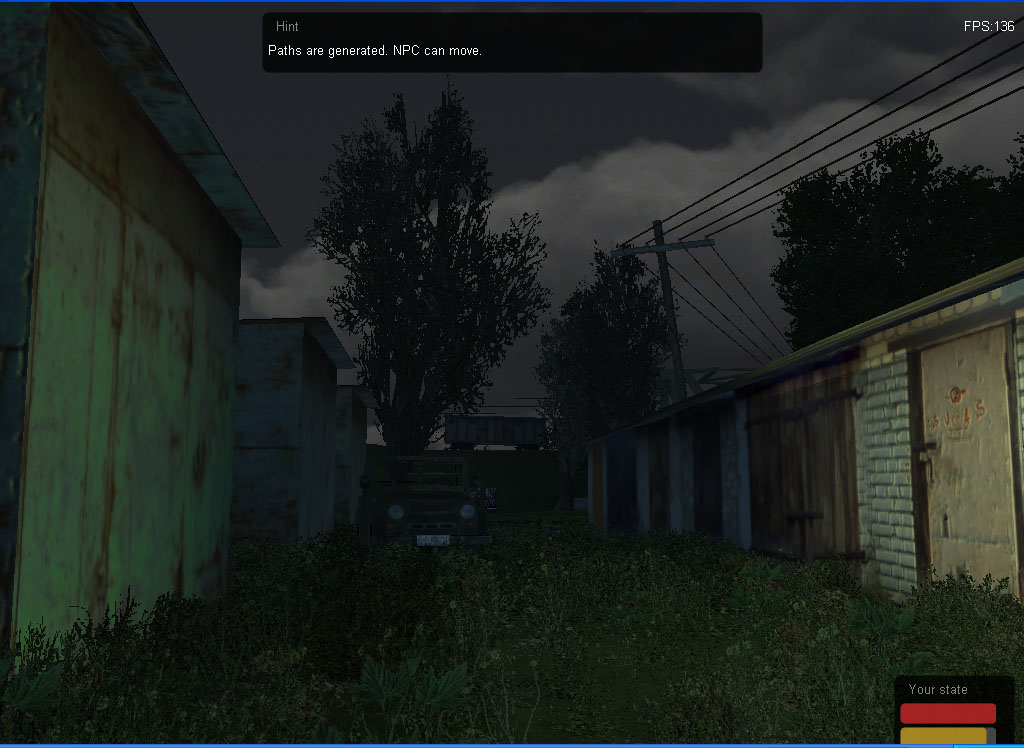
The standard C++ allocator usually keeps free memory chunks in a linked list, so finding a free chunk isn’t fast, and small objects suffer the most. I decided to speed up allocation with a dedicated pool allocator. Every small object in the engine now derives from a base class that takes its memory from the pool and gives it back there.

Memory allocation for small objects is now three times faster.

The idea comes from Andrei Alexandrescu’s Modern C++ Design. His small-object allocator is explained in detail here.